
Every shot, collected.
Put a QR code on the tables. Guests scan it, type their name and share photos and videos straight from their phone’s browser. No app, no account. Everything lands in one live album.
Guests scan a QR code and share from their browser. Everything lands in one live album.
Free to start. Pay once per event if you need more. No subscription.
The photos you’d never have seen.
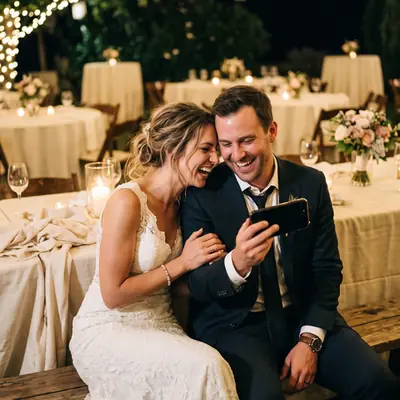
The speech you missed. The kids under the table. The dance floor at 1 a.m. Every guest’s photos and videos arrive in one gallery within seconds, each with the name of the person who shared it.


How it works.
-
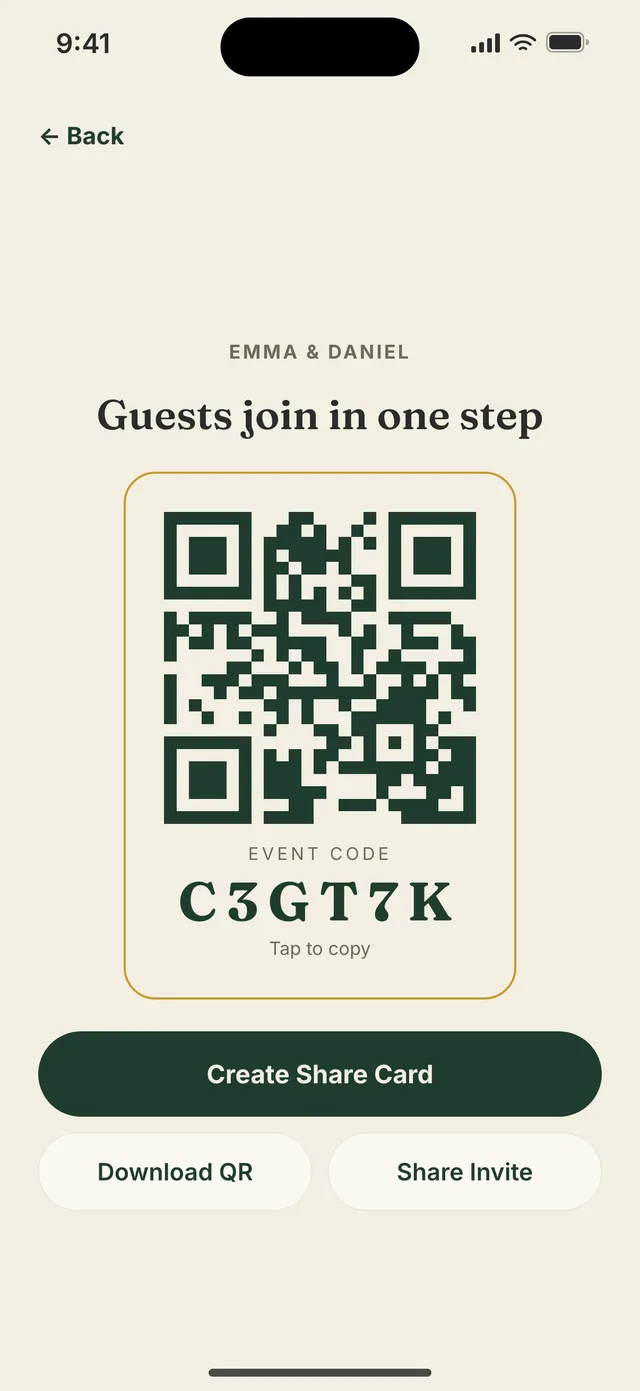
First
Create your event.
Name, date, open or private. Your QR code is ready in about a minute, and you don’t need an account to start.
-
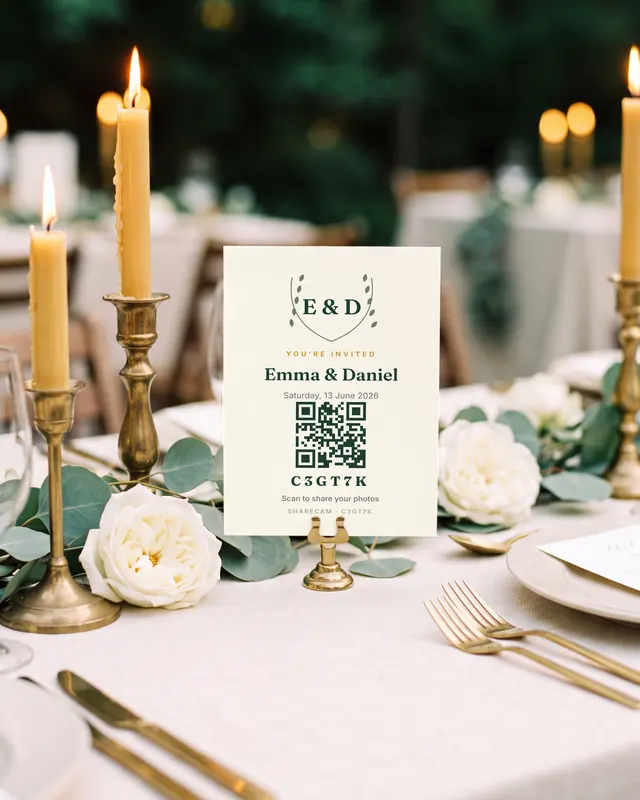
Then
Put it on the tables.
Choose from 16 card designs with your QR code built in. Print four to an A4 page with cut marks, or send the invite link.
-
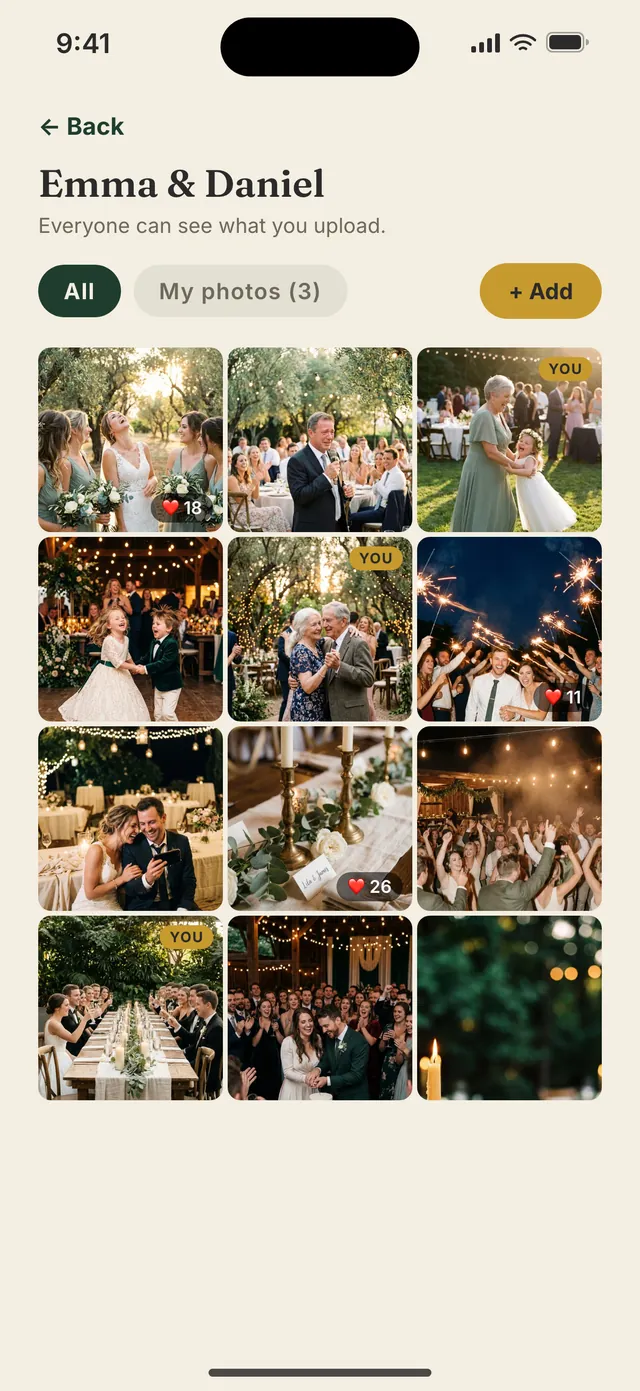
After
Watch it fill up.
Photos and videos from every phone land in one live gallery. Afterwards, save them all to Photos or download a ZIP.


Nobody downloads anything.
The QR code opens in the phone’s browser, iPhone or Android. Guests type their name, pick photos, videos or a whole folder, and they’re in. No app, no account, no password.
- A name on every photo. Every upload carries the guest’s name, and you see the full guest list.
- Lost the card? The 6-character code works too, at sharecam.app/join.
- Light on the Wi-Fi. Photos are resized on the phone to 2,048 px before upload, so they go up quickly.
- App or browser, same album. Guests who prefer the app can use it. Everything lands in one place.
Your album, your call.
Keep it a surprise.
In private mode, guests see only their own photos while you see everything. Reveal the whole album when you’re ready: tap once, or schedule it for the morning after.

 YOU
YOU


 YOU
YOU

Stay in control.
Hide or delete any photo, remove a guest, or pause new joins. If a guest reports a photo, it disappears for them at once and waits in your Reported list.
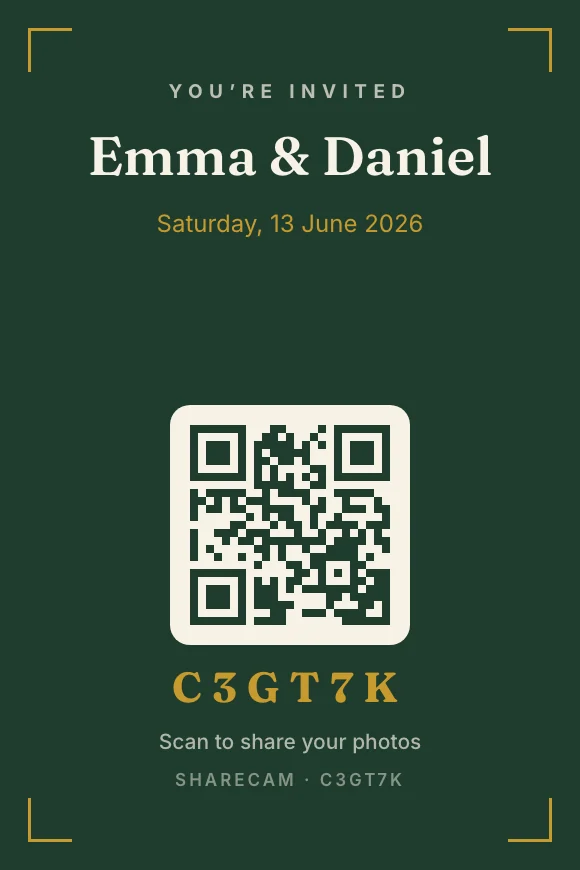
Sixteen cards, ready to print.
Invite and table-card designs with your QR code built in. Share them, or print four per A4 page with cut marks.
Laurel 3 / 5
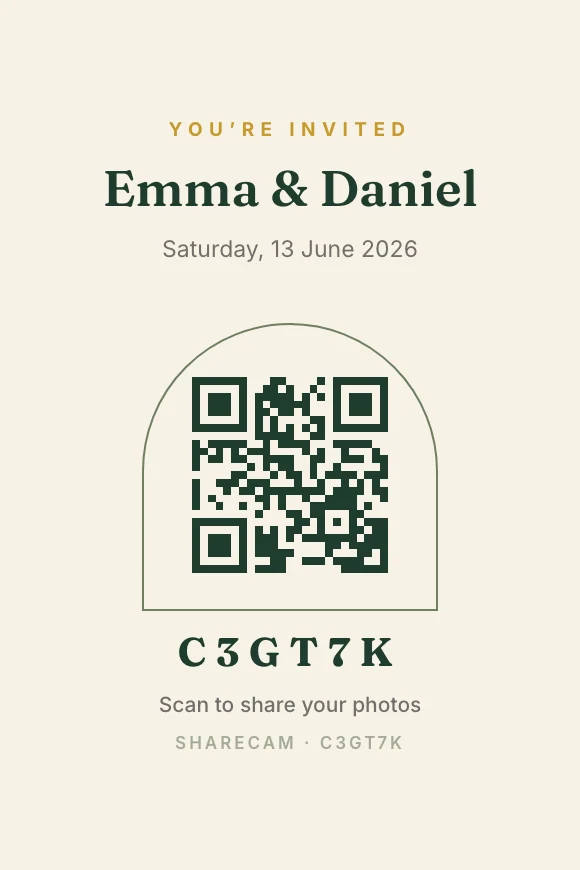
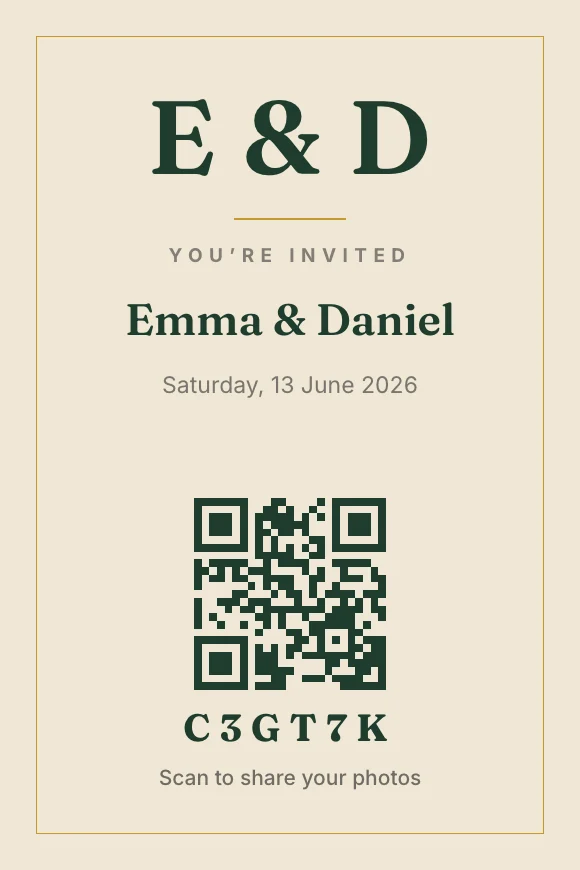
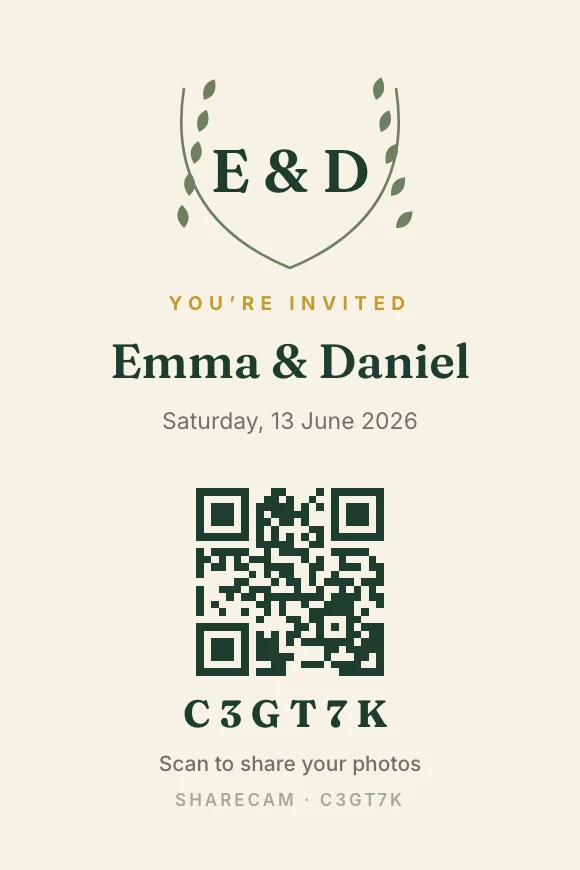
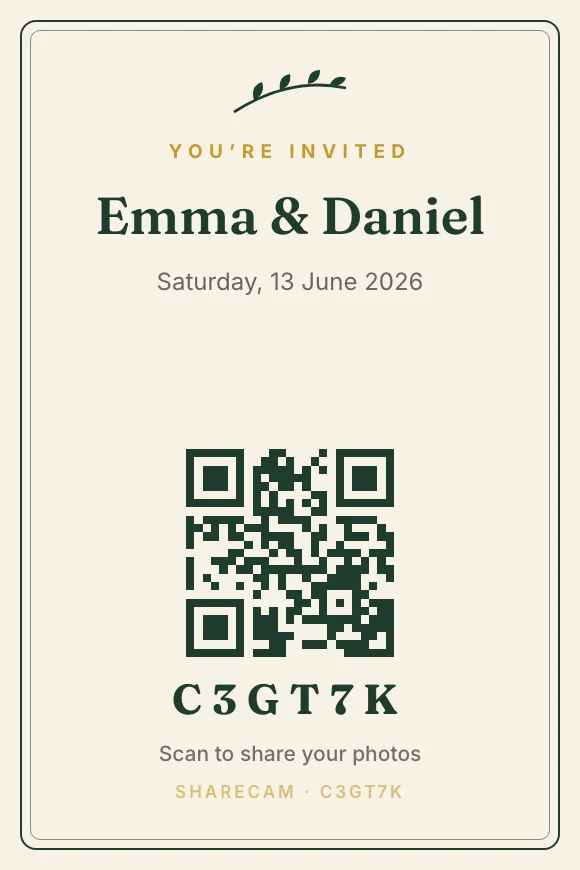
Take it all home.
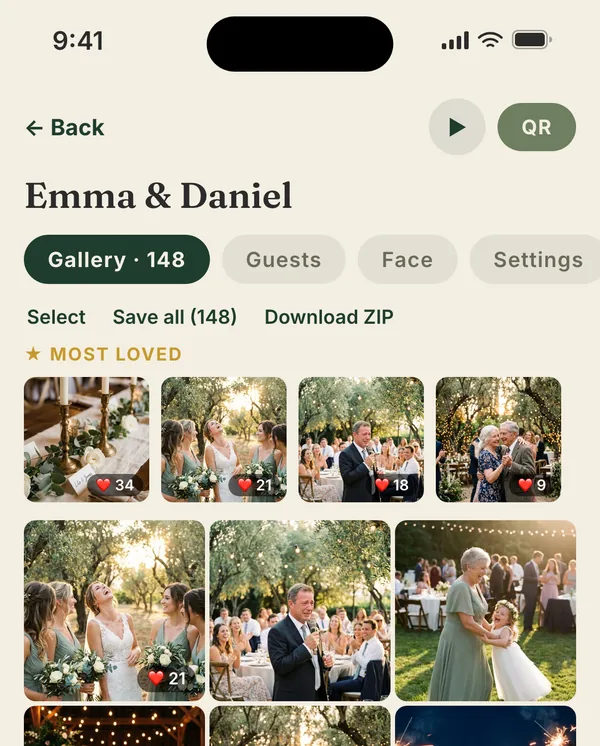
Save the whole album to your Photos, or download it as a ZIP. You decide whether guests can save photos too.
Never silently deleted.
You’re always warned before storage expires — photos are never silently deleted.
Storage is counted from your event date, not the day you set it up.
Spark 7 days · Mini and Party 1 month · Wedding 6 months · Unlimited 1 year
The best ones rise.
In an open album, everyone can like photos. “Most loved” puts favourites first, and “My photos” shows just yours.
Your photos too.
“Event shots” finds the photos on your phone taken since the event started and adds them in one tap.
Videos too.
Guests can add videos on Party and up: 90 seconds in the app, up to 200 MB each.
Free to start. Pay once per event if you need more. No subscription.
Put it on the big screen.
Open sharecam.app/wall on any TV, laptop or projector. No cable, no app. New photos fade in as they arrive, with your event name, code and join QR always on screen.
Included with Unlimited, in open albums. Photos only; videos are skipped.

Optional add-on · $9.99 per event
Find your photos.
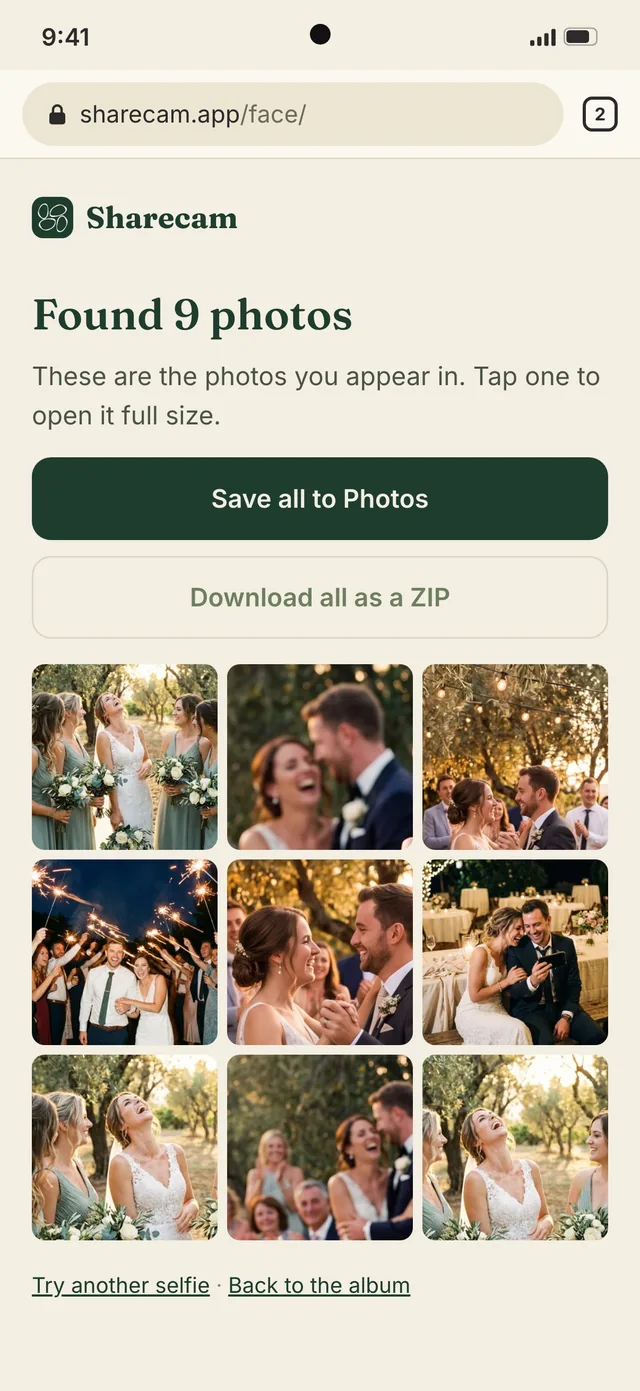
A guest takes a selfie and sees only the photos they appear in. No scrolling through hundreds.
How it’s handled
- Off until the host turns it on and accepts the host terms.
- Each guest decides for themselves. Declining costs nothing and never limits access to the album.
- Selfies are processed on our servers (Amazon Web Services, Frankfurt), not on the phone. The search signature is deleted as soon as the search finishes, within 24 hours at the latest, and the selfie is never added to the album.
- There’s no list of people. Even the host searches with their own selfie.
- Never sold, never used to train AI, never used to identify anyone across events.
- Not offered in Illinois, Texas or Washington, in China, Russia or Vietnam, or anywhere we can’t confirm the location.
$9.99 once per event, on any package.

Your photos aren’t the product.
- We do not sell or rent your data to anyone.
- We do not show ads inside the app.
- We do not use your photos to train AI models.
- Only the items you explicitly choose to upload leave your device.
- Albums are stored in the EU: the database in Frankfurt, photos and videos in Belgium.
- This website uses no cookies, analytics or trackers.
Pay once, per event.
No subscription, nothing renews. Every event starts free on Spark.
Events
-
Spark
Free
- Guests
- 10
- Photos
- 50
- Videos
- —
- Storage
- 7 days
-
Mini
$4.99
- Guests
- 25
- Photos
- 200
- Videos
- —
- Storage
- 1 month
iPhone app only
-
Party
$14.99
- Guests
- 50
- Photos
- 500
- Videos
- 5
- Storage
- 1 month
-
Wedding
$24.99
Sized for weddings up to 100 guests.
- Guests
- 100
- Photos
- 1,000
- Videos
- 20
- Storage
- 6 months
-
Unlimited
$39.99
For more than 100 guests. Includes the live wall.
- Guests
- Unlimited
- Photos
- Unlimited
- Videos
- Unlimited
- Storage
- 1 year
Face matchingAdd to any package in the iPhone app, where available.+$9.99
- Prices in USD. In the app, the App Store charges in your local currency; on the web, Paddle shows local currency and tax at checkout.
- Storage is counted from your event date, not the day you create it.
- The live wall is included with Unlimited (open albums, photos only).
- Guest limits are per event; removing a guest frees their slot.
Photographers
-
Pro 500
$54.99
- Photos
- 500
- Guests
- Unlimited
- Face matching
- Included
- Live wall
- —
- Storage
- 1 month
-
Pro 1000
$89.99
- Photos
- 1,000
- Guests
- Unlimited
- Face matching
- Included
- Live wall
- Included
- Storage
- 3 months
-
Pro 2000
$149.99
- Photos
- 2,000
- Guests
- Unlimited
- Face matching
- Included
- Live wall
- Included
- Storage
- 6 months
-
Pro 5000
$229.99
- Photos
- 5,000
- Guests
- Unlimited
- Face matching
- Included
- Live wall
- Included
- Storage
- 1 year
-
Pro Unlimited
$339.99
For more than 5,000 photos.
- Photos
- Unlimited
- Guests
- Unlimited
- Face matching
- Included
- Live wall
- Included
- Storage
- 1 year
Originals kept · you upload from a computer · guests view and find their photos with a selfie
- One-time purchase per event, no subscription.
- Bought in the Sharecam iPhone app, from the next app update.
- Prices in USD.
- Face matching where available: not in Illinois, Texas or Washington, in China, Russia or Vietnam, or where we can’t confirm the location.
Free to start. Pay once per event if you need more. No subscription.
For photographers
Your gallery, found by every guest.
- Upload the whole gallery from a computer at sharecam.app/upload. Drag in a folder: JPEG, PNG, TIFF or WebP, up to 200 MB each. Originals are kept.
- Connect the computer by scanning its QR code with the Sharecam app, or by typing the 6-character code the app shows.
- Guests scan the table QR and find the photos they’re in with a selfie, then browse the rest. No app, unlimited guests, face matching included where available.
- The couple gets a one-time code for sharecam.app/album and downloads everything as ZIP parts, in 2,048 px or originals.
Photographer packages arrive in the Sharecam iPhone app with the next update.


Questions
Anything else, write to [email protected].
Do guests need to download an app?
No. The QR code opens in the phone’s browser. Guests type their name and upload. Anyone who prefers the app can use it, and everything lands in the same album.
Do guests need an iPhone?
No. Guests can join from any phone with a browser, Android included. You can host from the web or the iPhone app (iOS 16.4 or later).
Is it a subscription?
No. Packages are one-time purchases for one event, and nothing renews. Every event starts on the free Spark package.
Can I upgrade later?
Yes, any time from the app or the web dashboard. Upgrading charges the full price of the new package. The event name and date lock once you choose a paid package, so check them first.
What happens if the album fills up?
New uploads stop, and guests see a message asking the host to upgrade. You can upgrade from the app at any time.
How long are photos kept?
From 7 days (Spark) to 1 year (Unlimited), counted from your event date. The app sends a notification before storage ends (2 days before on Spark, 5 on Mini and Party, 14 on Wedding and Unlimited), so keep notifications on. You can save everything to Photos or download a ZIP at any time.
Are photos saved in full resolution?
Photos are resized on the phone to 2,048 px on the long edge before upload. That keeps uploads quick on venue Wi-Fi, but they’re not the camera originals.
Can guests see each other’s photos?
Only if you want them to. An open album is shared live. In private mode, only you see everything until you reveal it, either by hand or on a schedule.
Can I remove a photo or a guest?
Yes. Hosts can hide or delete any photo, remove a guest and pause new joins. Guests can report a photo, and it goes straight to the host.
Is face matching available where I live?
It isn’t offered in Illinois, Texas or Washington, in China, Russia or Vietnam, and it stays off anywhere we can’t confirm the location. Where it is available, it’s an optional $9.99 add-on per event, and every guest chooses for themselves.
How do refunds work?
Purchases in the app go through Apple, so refunds are requested at reportaproblem.apple.com. Purchases on the web are refunded by us through Paddle, under our refund policy. If something went wrong on our side, write to us first.
Who processes web payments?
Paddle, our reseller and merchant of record. Paddle runs the checkout, sends the receipt and invoice and handles tax; we never see your card details. See the web purchase terms. Purchases in the iPhone app are processed by Apple.
Can’t find your events on the web?
Sign in on the web with the same account you use in the app (Settings → Account). If you never signed in there, do that in the app first. Signed in with Apple in the app? Web sign-in with Apple is coming.
Can I use it for birthdays and other parties?
Yes. Spark is free for up to 10 guests, and the smaller packages are made for dinners, birthdays and parties.
Your guests are already taking the photos.
Free to start · host from the web or iPhone · guests join from any phone
Scan to get the app
apps.apple.com/app/
id6801534049